
Private daily planner
Plan your day with a calmer flow.
DeFlow helps you organize tasks, notes and daily routines across iPhone, iPad and Mac with a clean, focused and privacy-respecting experience.
No account required. No tracking. iCloud sync supported.
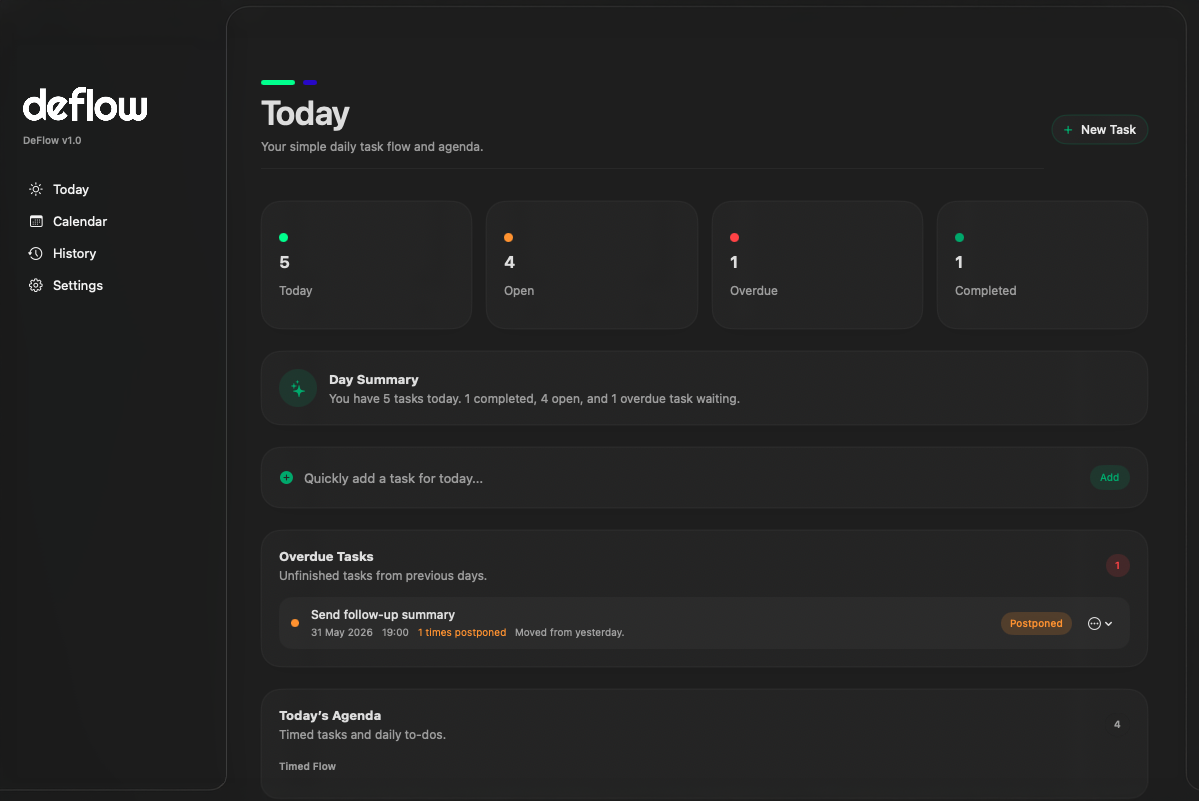
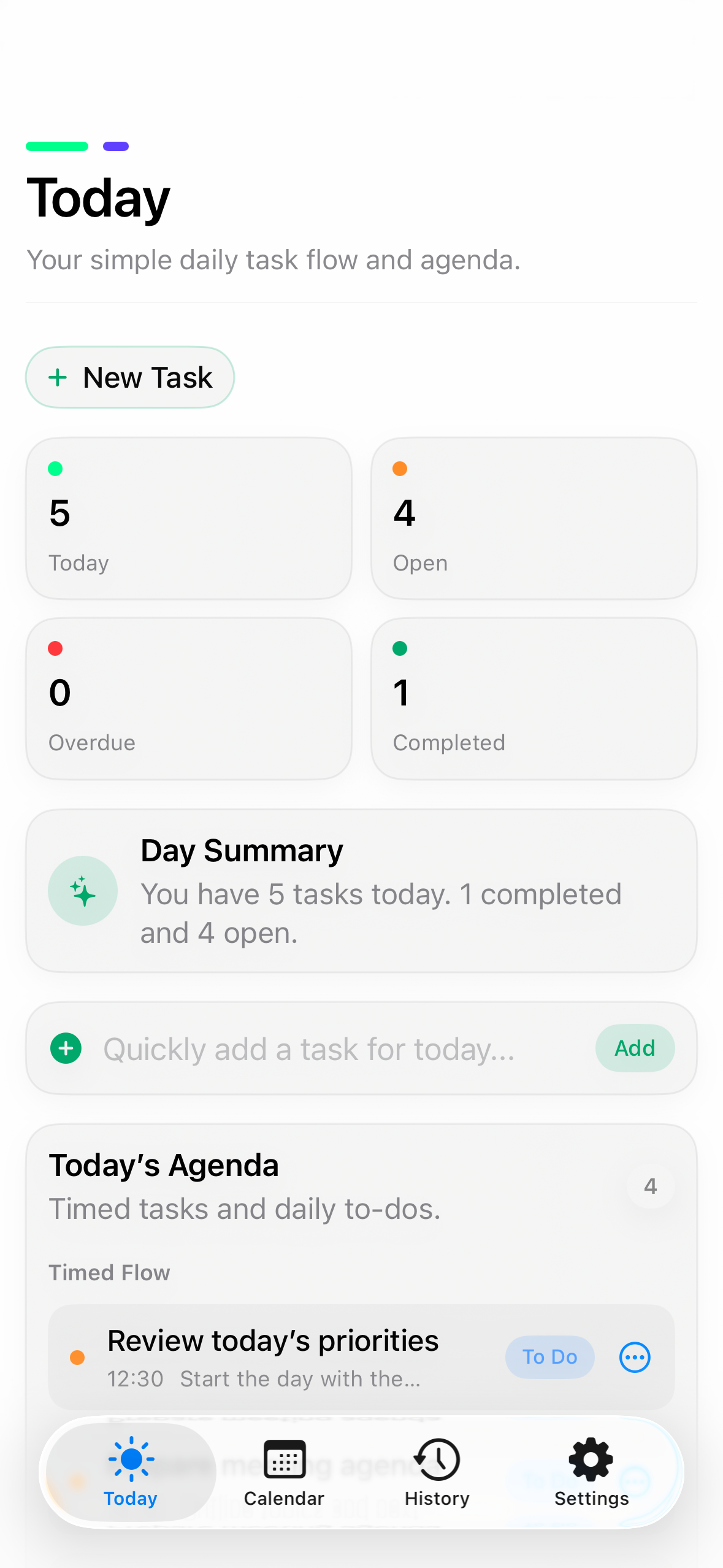
Focus
Your tasks should feel clear, not crowded.
DeFlow is designed for people who want a lightweight planner without noisy dashboards, complicated setup or account-based workflows.
Notes and tasks together
Designed for Apple devices
Features
A cleaner way to manage your day.
Today View
See your current tasks and notes in a focused daily view.
Calendar Planning
Plan ahead with a simple calendar-based workflow.
Task History
Review completed tasks and track your progress over time.
Notes
Keep short notes connected to your daily planning flow.
iCloud Sync
Sync your data across iPhone, iPad and Mac through Apple iCloud.
Private by Design
No accounts, no ads, no analytics SDKs and no third-party tracking.
Screens
Designed to feel native, calm and familiar.
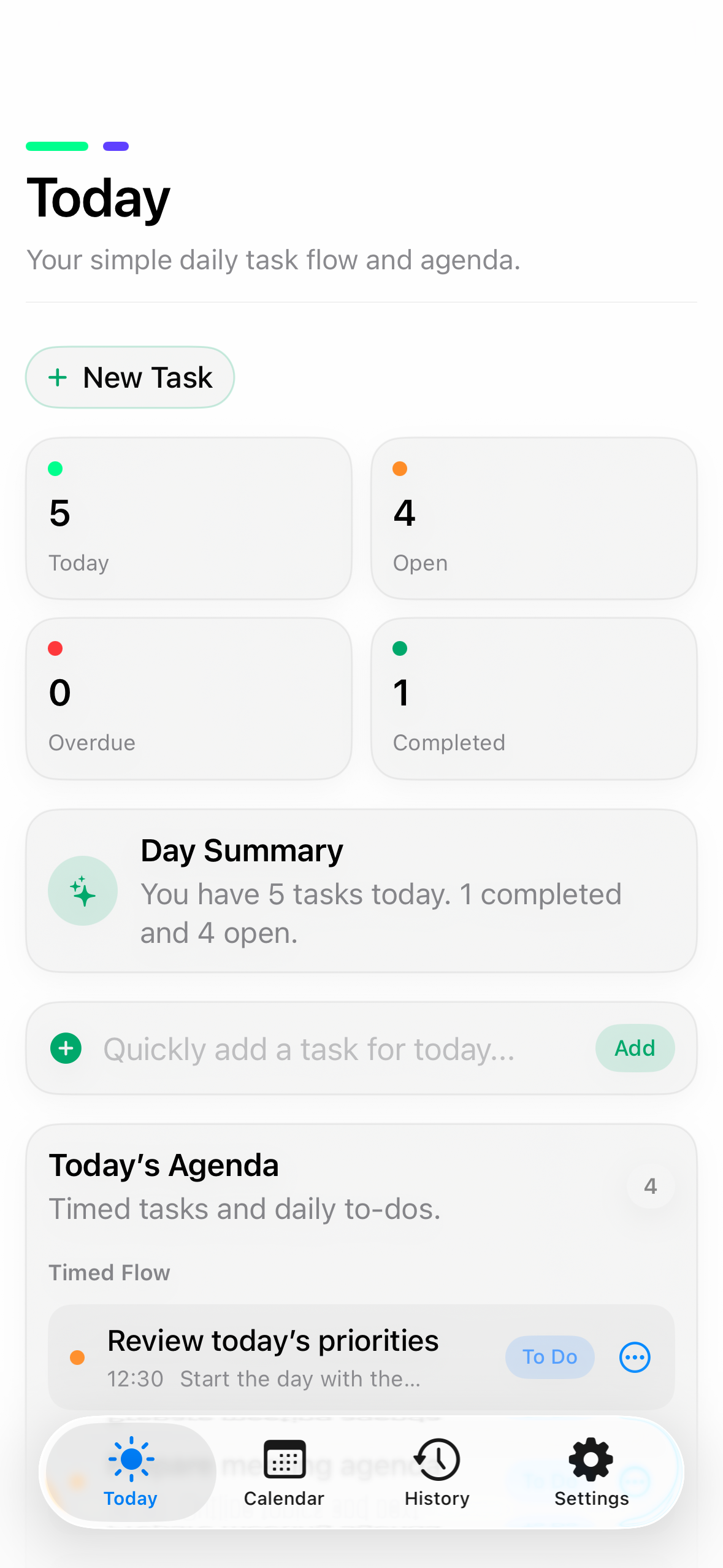
Today
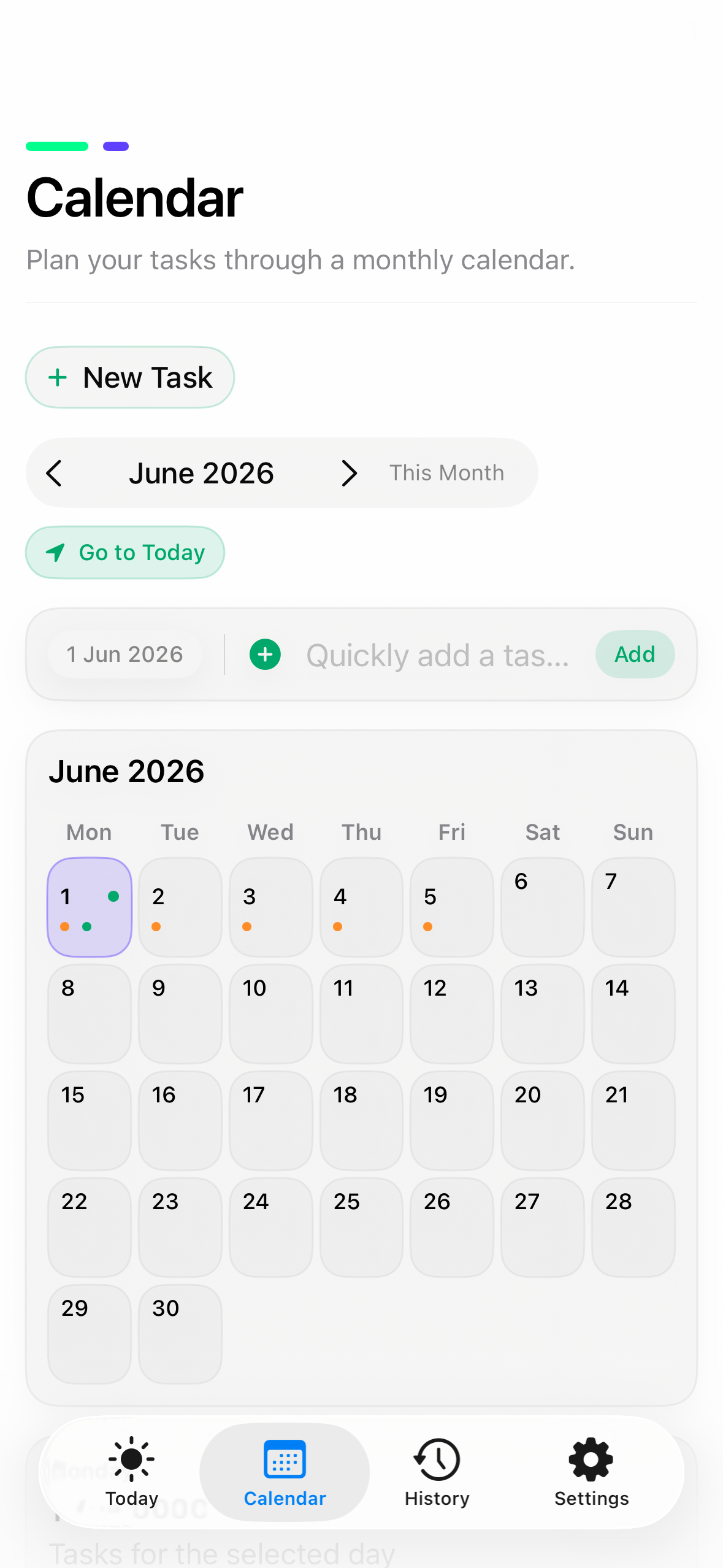
Calendar
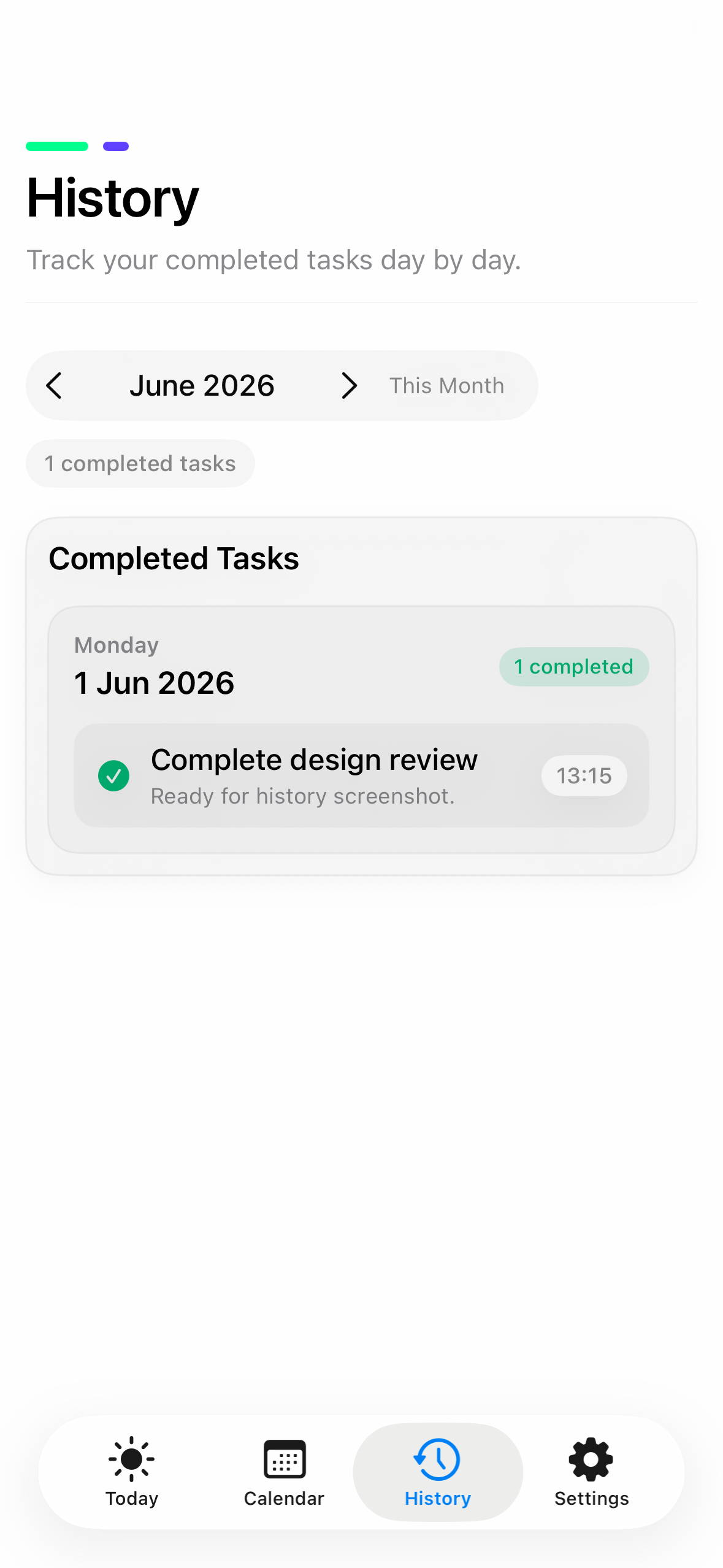
History
Universal
One planner across your Apple devices.
DeFlow is designed to feel simple, familiar and consistent across iPhone, iPad and Mac.
Privacy
Your planning data stays private.
DeFlow does not collect personal data, does not use third-party analytics and does not track you across apps or websites.
FAQ
Simple answers for a private planner.
Does DeFlow require an account?
No. DeFlow does not require an account or login.
Does DeFlow collect personal data?
No. DeFlow does not collect, sell, share or track your personal data.
Does DeFlow support iCloud sync?
Yes. If iCloud is enabled on your device, DeFlow can sync your data using Apple CloudKit.
Where is my data stored?
Your data is stored locally on your device and, if iCloud sync is enabled, in your private iCloud database.
Which devices does DeFlow support?
DeFlow is designed for iPhone, iPad and Mac.
Download
Start planning with DeFlow.
A calm daily planner for iPhone, iPad and Mac.
Available on the App Store. Privacy-first by design.